
How this works

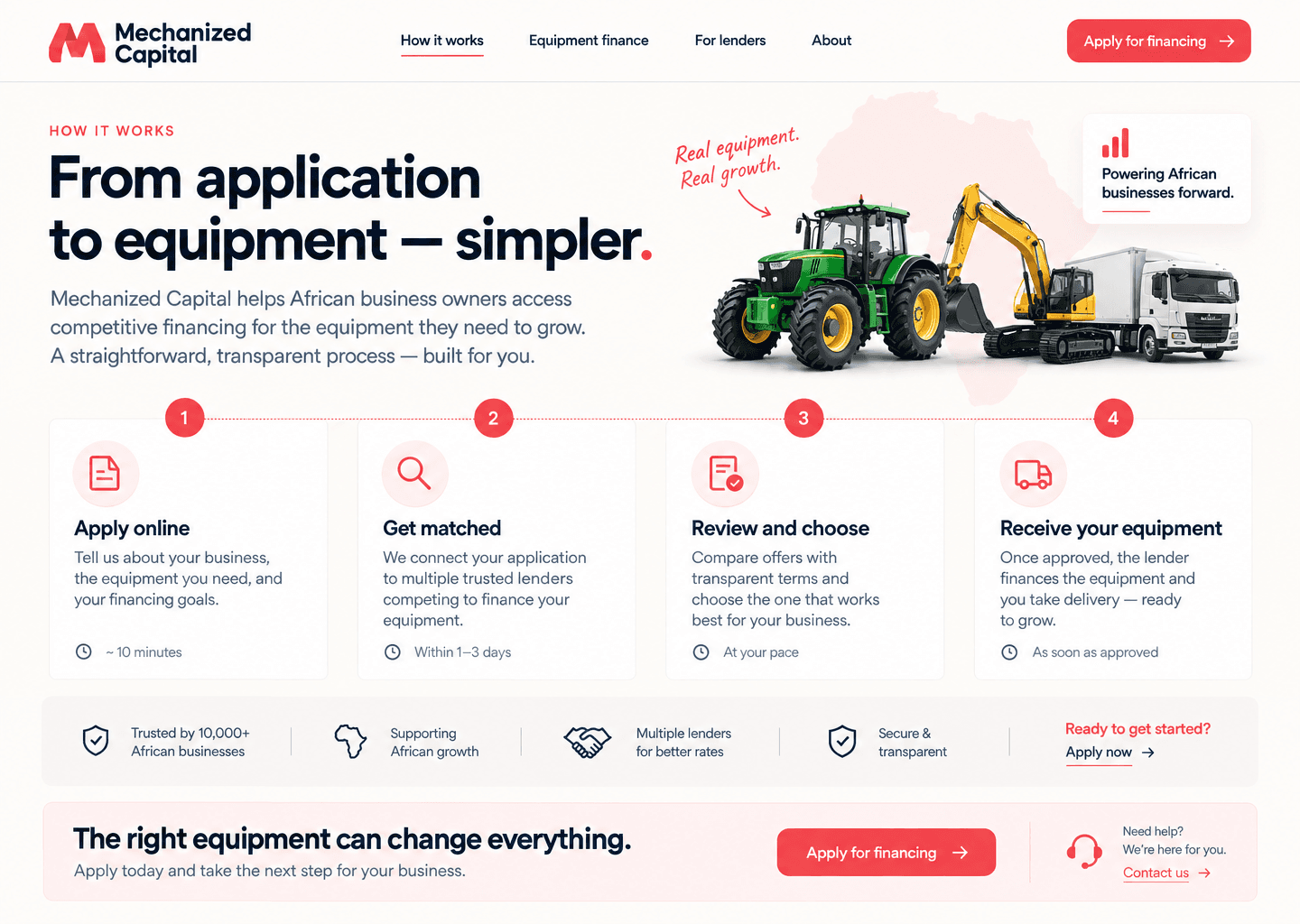
From application to equipment, simpler.

A clear role-based guide for borrowers, lenders, and admins using Mechanized Capital.

Simple process

Every user sees the next best action.

Borrowers see application status and offers. Lenders see matched opportunities and submitted offers. Admins see the full operating layer, including activity and reminders.

Secure basics Reminders KPIs
Mechanized Capital how it works page reference

User guides

What each account type can do.

Borrower guide

  • Create a borrower account with your contact and company details.
  • Submit one equipment request with category, asset type, cost, target amount, and timeline.
  • Track application progress from your dashboard and respond when a lender needs documents.
  • Compare offers by interest rate, term, amount, monthly payment, fees, and early repayment terms.

Lender guide

  • Register as a lender and set your preferred countries, categories, ticket sizes, and SLA.
  • Review matched borrower applications from your lender dashboard.
  • Submit clear offers with rate, term, approved amount, monthly payment, fees, and conditions.
  • Use activity history to see borrower engagement and follow-up status.

Admin guide

  • Manage users, applications, offers, CMS content, email templates, and marketing integrations.
  • Move applications through operational stages and prioritize urgent files.
  • Review page views, profile changes, submitted applications, offers, and reminder activity.
  • Run the stuck-step reminder agent to send follow-ups when an application stops moving.

Demo accounts

Use the seeded accounts to preview the experience:

  • Borrower: borrower@mechanizedcapital.com
  • Lender: lender@mechanizedcapital.com
  • Admin: admin@mechanizedcapital.com
Sign in

Ready when you are

Apply, match, compare, and move.

Mechanized Capital keeps borrowers and lenders aligned around clear next steps.

Start now